
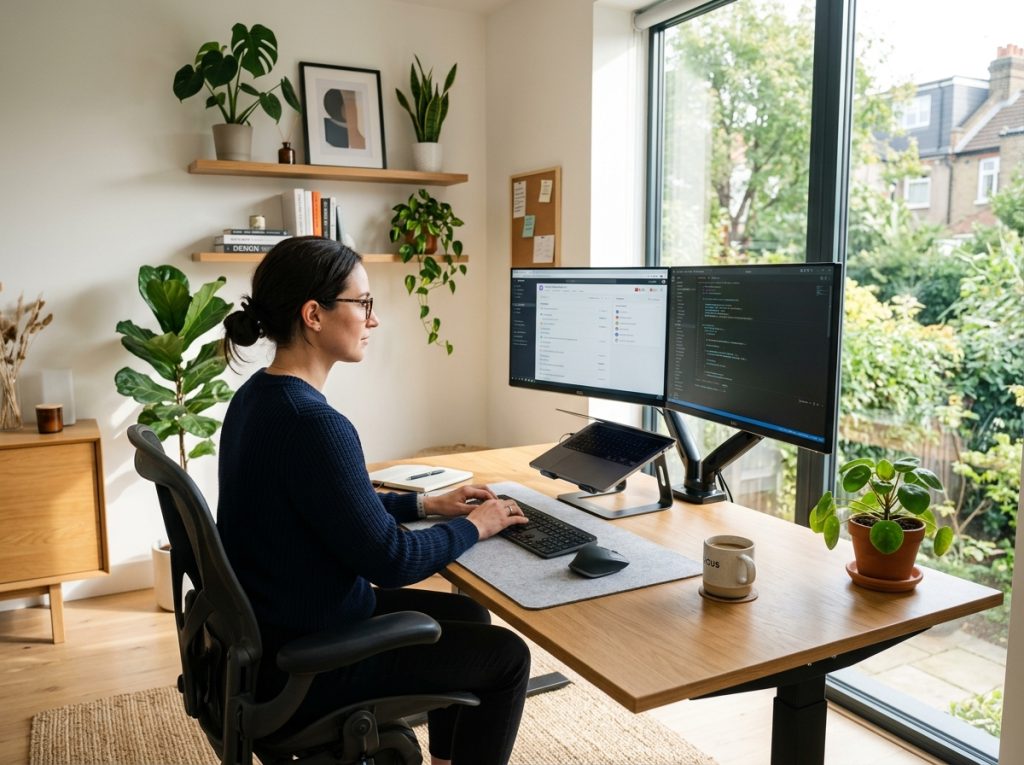
Working from home has evolved from a temporary solution into a permanent reality for millions of professionals, entrepreneurs, freelancers, and remote employees worldwide. Whether you’re attending virtual meetings, managing a business, creating content, coding software, or handling administrative tasks, your workspace directly affects your productivity, health, and overall job satisfaction.
A poorly designed workspace often leads to distractions, discomfort, reduced focus, and even long-term physical issues. On the other hand, a thoughtfully designed home office can improve efficiency, encourage creativity, and help maintain a healthier work-life balance.
At Retro Living Today, we believe that a great home office isn’t necessarily about spending the most money. Instead, it’s about making intentional choices that support the way you work. From ergonomic furniture and proper lighting to smart technology and organization systems, every element contributes to your daily performance.
This comprehensive home office setup guide will walk you through everything you need to know about creating a workspace that is functional, comfortable, and future-ready.
Why Your Home Office Setup Matters
Your home office is more than just a desk and chair. It is the environment where you spend a significant portion of your day making decisions, solving problems, communicating with colleagues, and accomplishing goals.
Research consistently shows that workplace design impacts productivity, concentration, and well-being. A comfortable and organized environment reduces mental fatigue and helps maintain focus during long work sessions.
Benefits of a well-designed home office include:
- Improved productivity
- Better posture and physical health
- Reduced stress and distractions
- Increased creativity
- Professional appearance during video meetings
- Better work-life separation
Whether you work remotely full-time or occasionally, investing in your workspace can provide long-term benefits.
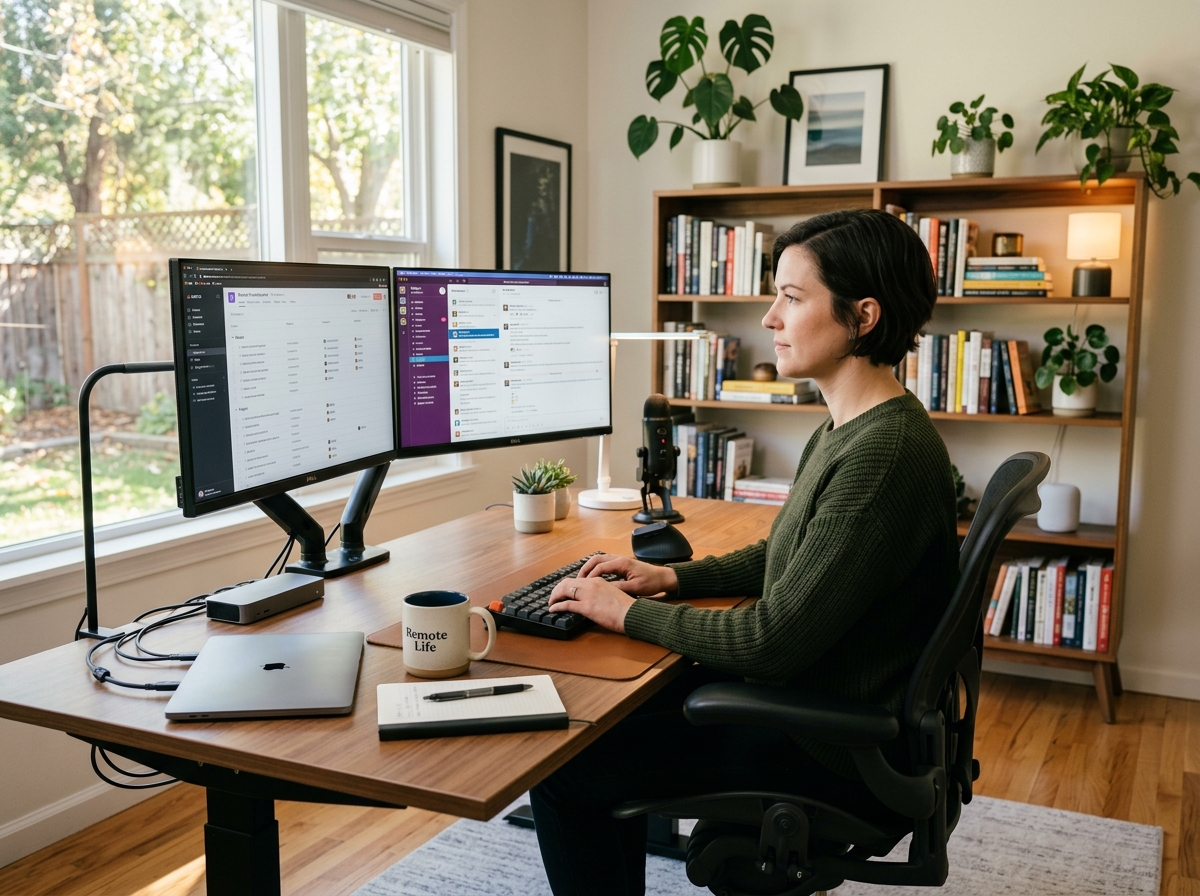
Choosing the Right Location for Your Home Office
One of the most important decisions is selecting where your workspace will be located.
Dedicated Room Office
A separate room provides the highest level of privacy and focus.
Advantages include:
- Better noise control
- Professional meeting environment
- Improved work-life boundaries
- More storage opportunities
Bedroom Office Setup
Many remote workers use a bedroom corner for their workspace.
To make it effective:
- Separate work and sleep areas visually
- Use room dividers when possible
- Keep work equipment organized
- Avoid working directly from bed
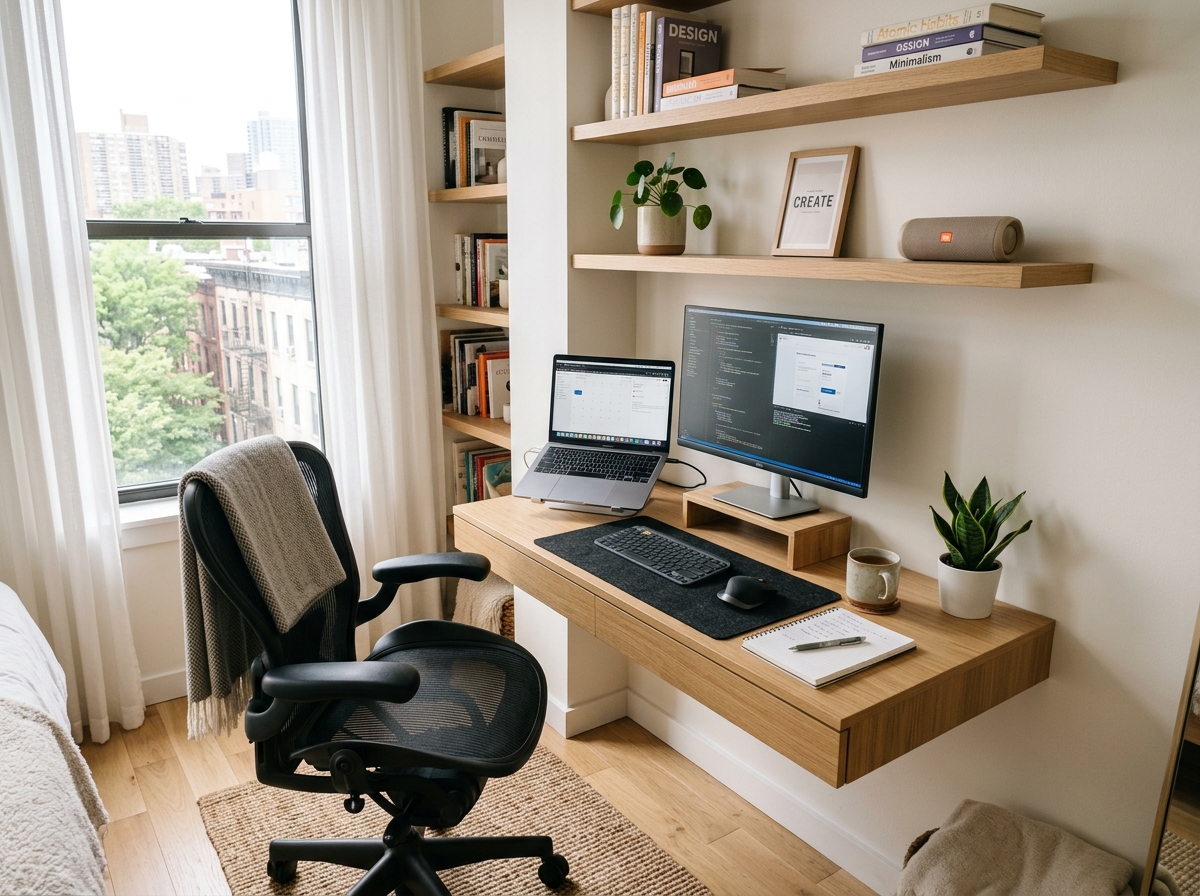
Small Apartment Home Office
Limited space doesn’t mean limited productivity.
Consider:
- Wall-mounted desks
- Foldable furniture
- Vertical storage
- Multi-purpose furniture
- Corner workstations
Small home office setup ideas continue to grow in popularity as urban living spaces become more compact.
Home Office Furniture Essentials
Furniture forms the foundation of any successful workspace.
Selecting the Best Desk
Your desk should support your workflow and available space.
Popular desk options include:
Standard Writing Desk
Ideal for:
- Laptop users
- Students
- Freelancers
Executive Desk
Best for:
- Business owners
- Professionals requiring larger work surfaces
- Multi-monitor setups
Standing Desk
Standing desks continue to gain popularity because they allow users to alternate between sitting and standing throughout the day.
Benefits include:
- Reduced sedentary behavior
- Improved circulation
- Increased movement
Choosing the Right Office Chair
An ergonomic office chair may be the most important investment in your home office.
Look for:
- Adjustable seat height
- Lumbar support
- Adjustable armrests
- Breathable materials
- Tilt functionality
A quality chair helps prevent back pain and supports proper posture during extended work sessions.
Storage Solutions
Effective storage reduces clutter and improves efficiency.
Useful options include:
- Filing cabinets
- Bookcases
- Floating shelves
- Storage carts
- Drawer organizers
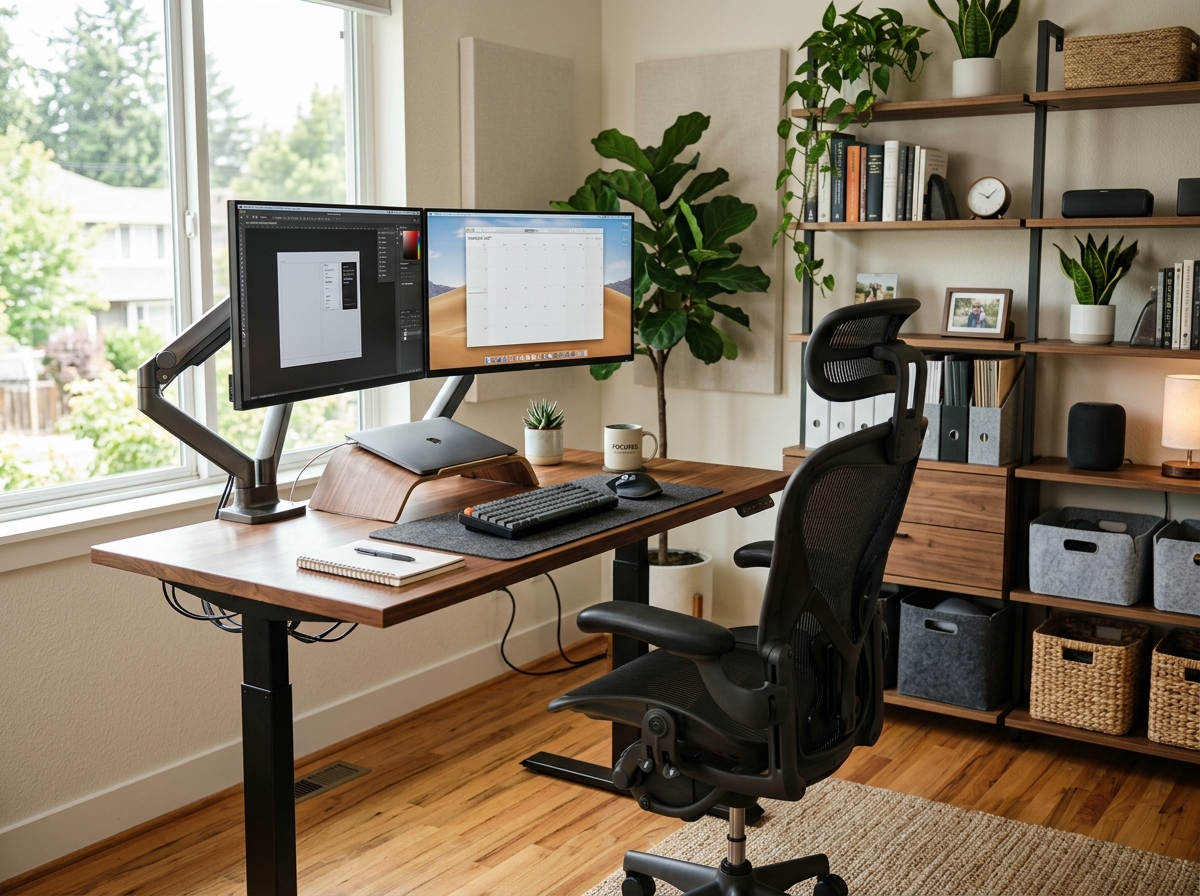
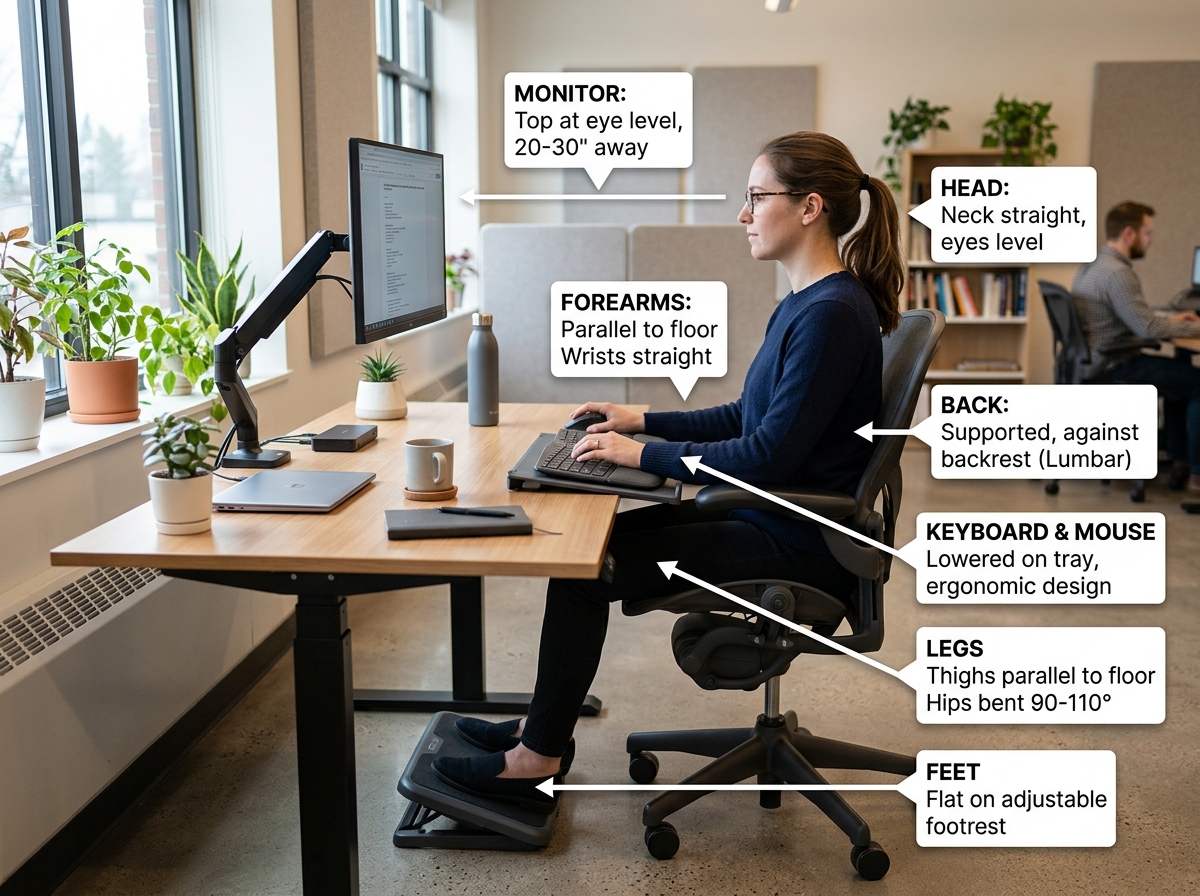
Creating an Ergonomic Home Office
Ergonomics is essential for long-term comfort and health.
Desk Height
Your desk should allow:
- Elbows at approximately 90 degrees
- Relaxed shoulders
- Comfortable wrist positioning
Monitor Placement
Position monitors:
- At eye level
- About an arm’s length away
- Directly in front of you
Keyboard and Mouse Position
Keep input devices:
- Close to your body
- On the same surface level
- Easy to reach without strain
Proper Sitting Posture
Maintain:
- Feet flat on the floor
- Knees at 90 degrees
- Neutral spine alignment
- Relaxed shoulders
An ergonomic workstation setup at home helps reduce fatigue and repetitive strain injuries.
Technology and Equipment for Remote Work
The right technology can dramatically improve productivity.
Computer Selection
Your device should match your workload.
Examples:
- Basic office tasks: Mid-range laptop
- Creative professionals: High-performance workstation
- Developers: Multi-monitor capable systems
Monitors
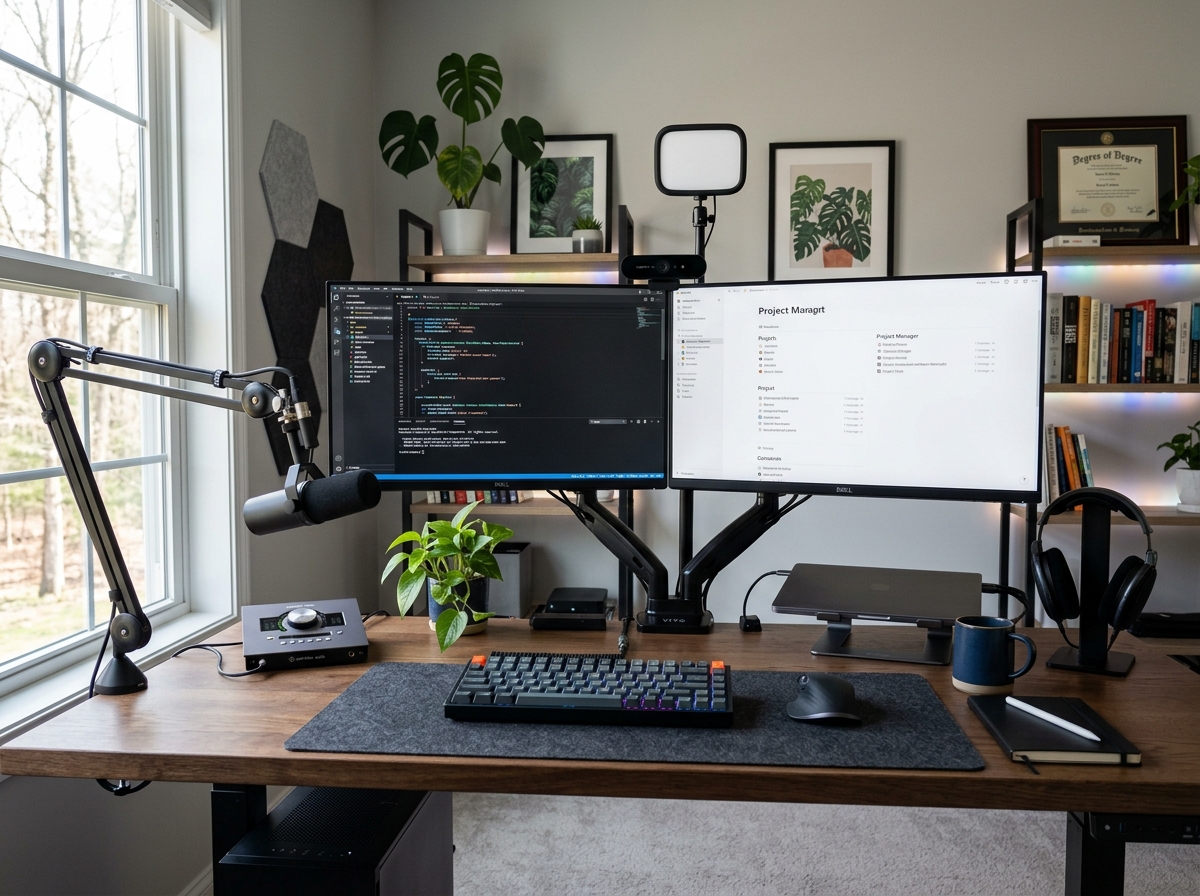
Many professionals find that dual monitor home office setups improve efficiency.
Benefits include:
- Better multitasking
- Reduced window switching
- Enhanced workflow management
Webcam and Audio
Quality communication equipment is increasingly important.
Recommended upgrades include:
- HD webcam
- USB microphone
- Noise-canceling headset
Reliable Internet Connection
A stable internet connection is critical.
Consider:
- Fiber internet where available
- Mesh Wi-Fi systems
- Ethernet connections for primary workstations
Backup Power
Remote workers should consider:
- UPS battery backup systems
- Surge protectors
- Cloud backups
Lighting Your Home Office Properly
Lighting significantly affects focus, comfort, and energy levels.
Natural Light
Natural daylight remains the preferred option.
Benefits include:
- Reduced eye strain
- Improved mood
- Better alertness
Position desks near windows whenever possible.
Task Lighting
Desk lamps provide focused illumination for detailed tasks.
Ambient Lighting
Layered lighting creates a comfortable environment throughout the day.
Combine:
- Ceiling fixtures
- Floor lamps
- Accent lighting
Reducing Screen Glare
Avoid placing monitors directly in front of bright windows.
Use:
- Adjustable blinds
- Matte screens
- Strategic monitor positioning
Organizing Your Workspace for Maximum Productivity
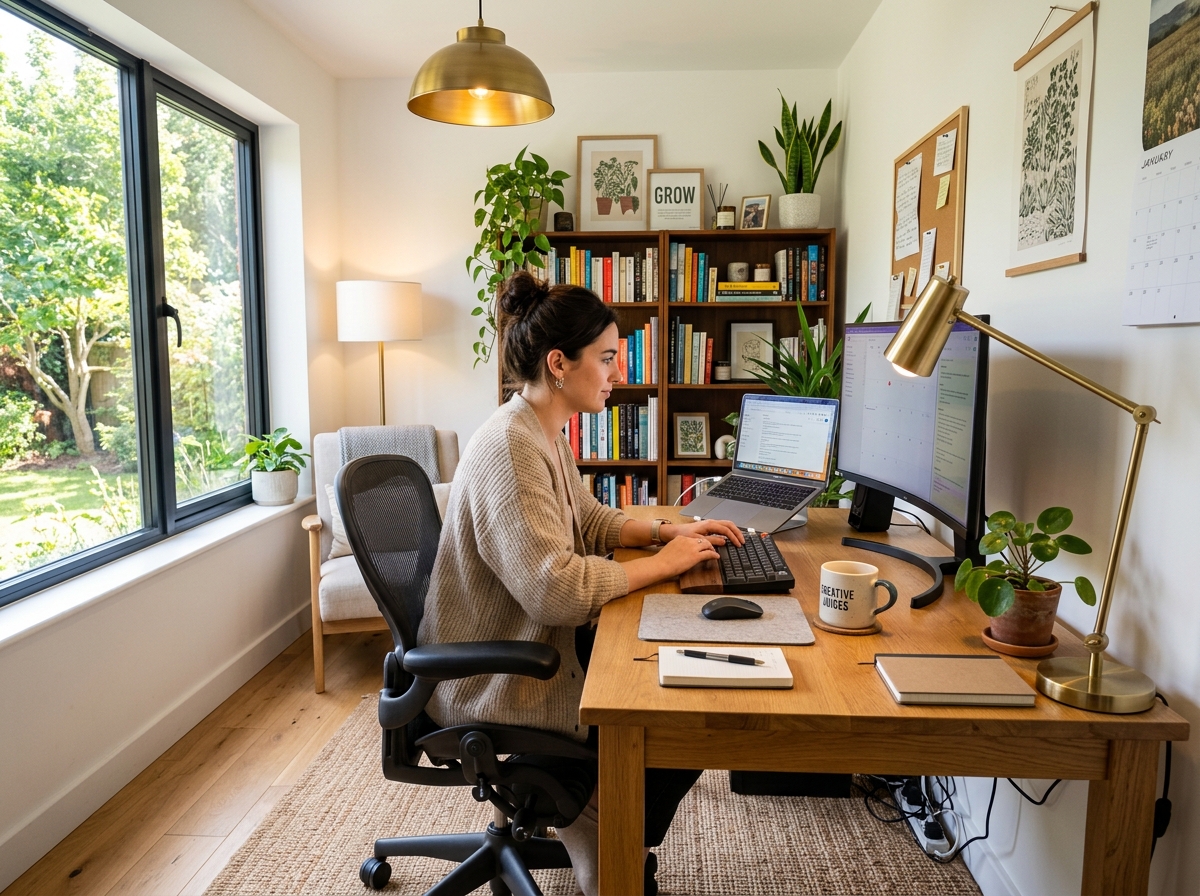
Organization helps reduce distractions and maintain workflow momentum.
Declutter Regularly
Keep only frequently used items on your desk.
Cable Management
Use:
- Cable trays
- Cable sleeves
- Desk grommets
- Velcro ties
Digital Organization
Apply organization principles digitally as well.
Maintain:
- Structured folders
- Cloud storage systems
- Consistent file naming conventions
Productivity Zones
Separate areas for:
- Computer work
- Reading
- Meetings
- Creative brainstorming
Budget-Friendly Home Office Setup Ideas
A productive workspace doesn’t require a large budget.
Prioritize Essentials
Start with:
- Desk
- Chair
- Computer
- Reliable internet
- Lighting
Buy in Phases
Upgrade gradually as needs evolve.
Consider Refurbished Equipment
Quality refurbished products often provide excellent value.
DIY Organization
Affordable solutions include:
- Floating shelves
- Pegboards
- Repurposed furniture
- Storage bins
Many successful remote workers begin with a simple, affordable work-from-home setup and improve it over time.
Home Office Design Trends in 2026
Modern home office design continues to evolve.
Hybrid Workspaces
Flexible environments support both work and personal activities.
Biophilic Design
Incorporating nature remains a major trend.
Examples include:
- Indoor plants
- Natural materials
- Organic textures
Smart Office Technology
Growing adoption includes:
- Smart lighting
- Automated climate control
- Voice assistants
Minimalist Design
Simple environments often reduce distractions and improve focus.
Video Meeting Optimization
Professionals increasingly design backgrounds specifically for virtual meetings.
Common Home Office Mistakes to Avoid
Even well-intentioned setups can create problems.
Avoid:
- Working from bed regularly
- Ignoring ergonomics
- Poor lighting
- Excessive clutter
- Inadequate internet connectivity
- Lack of storage
- Poor cable management
- Uncomfortable seating
- Improper monitor placement
- No separation between work and personal life
Recognizing these issues early can prevent productivity and health challenges.
Building a Home Office Setup Checklist
A practical checklist includes:
Furniture
- Desk
- Ergonomic chair
- Storage solutions
Technology
- Computer
- Monitor
- Webcam
- Headset
- Internet connection
Ergonomics
- Monitor stand
- Footrest
- Keyboard tray
Lighting
- Natural light access
- Task lighting
- Ambient lighting
Productivity
- Calendar system
- Note-taking tools
- Cable management
This home office essentials checklist can help ensure nothing important is overlooked.
FAQ Section
What do I need for a home office setup?
At a minimum, you need a desk, ergonomic chair, computer, reliable internet connection, and adequate lighting. Additional accessories can improve comfort and productivity.
How much does a home office setup cost?
Costs vary significantly. A budget-friendly setup may cost a few hundred dollars, while premium workstations with advanced technology can exceed several thousand dollars.
What is the best home office setup for remote work?
The best setup includes ergonomic furniture, proper monitor placement, reliable internet, good lighting, and an organized environment tailored to your workflow.
How do I create an ergonomic home office?
Focus on proper chair support, monitor height, keyboard positioning, and posture. Ergonomic accessories can further improve comfort.
Can I create a productive home office in a small apartment?
Yes. Wall-mounted desks, vertical storage, foldable furniture, and thoughtful organization can create an efficient workspace even in limited areas.
Is a standing desk worth it for a home office?
Many professionals find standing desks beneficial because they encourage movement and reduce prolonged sitting.
What is the ideal monitor setup for a home office?
Single-monitor setups work well for basic tasks, while dual monitors often improve productivity for multitasking and professional workflows.
How can I improve productivity while working from home?
Maintain an organized workspace, minimize distractions, establish routines, use productivity tools, and optimize lighting and ergonomics.
What lighting is best for a home office?
Natural light combined with task lighting and ambient illumination typically provides the best working environment.
How often should I upgrade my home office setup?
Review your workspace annually and upgrade components that affect comfort, performance, or productivity.
Conclusion
Creating the ideal home office is an ongoing process rather than a one-time project. The most effective workspaces balance comfort, functionality, technology, and personal style while supporting the unique demands of modern remote work.
Whether you’re building a workspace from scratch, upgrading an existing workstation, or designing a compact office in a small apartment, thoughtful planning can significantly improve both productivity and well-being.
At Retro Living Today, we encourage readers to view their home office as an investment in long-term success. By prioritizing ergonomics, organization, reliable technology, and intentional design, you can create a workspace that helps you perform at your best every day.
For more practical technology insights, buying guides, workspace inspiration, and productivity-focused content, explore additional resources throughout Retro Living Today.